6
10
2018
Today you’re going to make a TIMETABLE. We’ll use a Word document.
Follow the steps:
Open a Word document.
Write a title. Choose a frame, letter, size, color….
Insert a grid (6×8).
Complete the grid with your ‘After school‘ activities.
You can insert images, clipart….
Look at the exemple:
MY TIMETABLE Name

2) General, ICT LESSONS
8
09
2018
Hello boys and girls!
Welcome back to school!
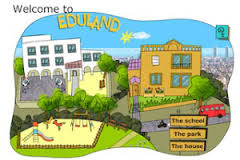
In ICT class you’re going to learn new technology words. Click on the link to practice computer vocabulary: http://www.edu365.cat/primaria/muds/angles/eduland/index.htm
5th Primary, 6th Primary, ICT LESSONS