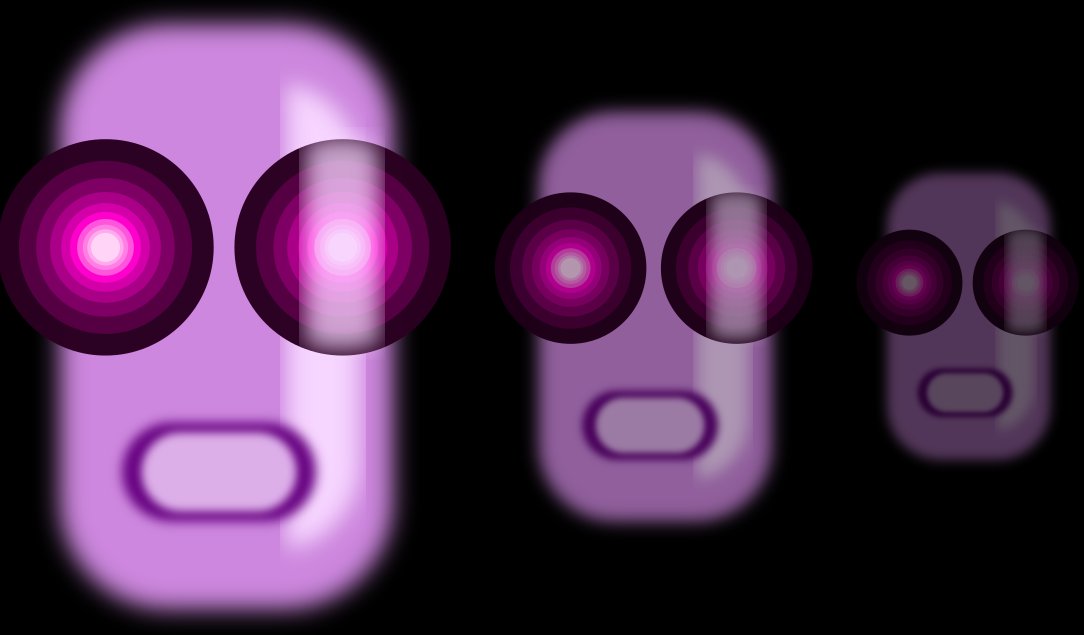
All these activities are thought to be done using only CIRCLES and RECTANGLES.
Software students are using is Inkscape. A drawing software you can download for free at http://www.inkscape.org
The first activity is very simple: students have to try to copy the next picture aligning CIRCLES and RECTANGLES using the options to ALIGN and DISTRIBUTE different elements.

The second activity has to be made using ONLY CIRCLES. In this activity they will make their first iconic drawing: a panda bear. They will learn how to create a feather and how to cut an object using another one.

The third activity is about to make a composition to create deepness. Students will reinforce their knowledge about the use of CIRCLES and RECTANGLES and how to CUT, JOIN or INTERSECT them and they also will learn to work with TRANSPARENCY and how to DISTRIBUTE different elements.