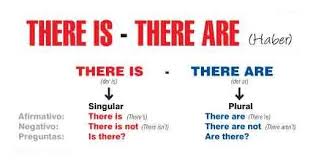
ICT lessons 6th: There is… / There are…

[youtube]https://www.youtube.com/watch?v=uZA6pIrwm-I[/youtube]

Click on the links to practise some grammar.

http://www.adelescorner.org/grammar/there_is/thereis.html

http://www.english-room.com/index.php?option=com_wrapper&Itemid=34

http://www.kico4u.de/english/uebungen/5klasse/thisare_ex2.htm

http://www2.arnes.si/~oskplucija4/ces/thereisare.htm

http://www.tolearnenglish.com/exercises/exercise-english-2/exercise-english-9437.php

http://www.juntadeandalucia.es/averroes/torredelprado/ingles/there_is1.htm (questions)

http://saberingles.com.ar/curso/lesson05/07.html (questions and answers)

http://www.englishexercises.org/makeagame/viewgame.asp?id=5762 (some /any)

http://www.tolearnenglish.com/exercises/exercise-english-2/exercise-english-7881.php (some /any)

http://www.bradleys-english-school.com/online/flashmultiplechoice/mc_aansomeany.html (a/an/some/any)

http://www.grammar.cl/Games/Some_Any_A_An.htm (a/an/some/any)

descarga (27)


ICT LESSONS 5th : Introduce yourself

Answer these questions. Write a post about yourself.

What’s your name?

How old are you?

Where do you live?

What do you like?

What do you like doing in your free time?

How many brothers or sisters have you got?….

Click on the link and answer these questions. Write a POST.

5thA:https://padlet.com/guerra_mare/b85meyxsh7nb

5thB:https://padlet.com/guerra_mare/knpo1dj22zqb

 

images (3)


ICT Lessons: Edpuzzle

Click on the link: https://edpuzzle.com/


ICT LESSONS 5th: Describing places.

Today we’re going to describe a COASTAL town/city. Think about your favourite towns, cities or countries. Choose a place. 

1st  Find out information about your place. You can search in Google.

Answer these questions:

  1. What ocean animals are there in your town or city? There are …

  2. Are there popular places to visit? There are…

  3. How is the landscape of your place? It’s …

2nd  Write a post (text) about your place.  Use There’s a/ an… There isn’t … or There’re some …./ There aren’t any…

3rd Insert a video about your place.

Click on the links to write your post:

5thA: https://padlet.com/guerra_mare/rqkbbb0k5iv3

5thB: https://padlet.com/guerra_mare/34ybo8lyopt1

5thC: https://padlet.com/guerra_mare/qpa0gp5wqop

images (4) descarga-4


ICT LESSONS 6th: Prezi presentations

Today, we’re going to learn how to make a PREZI presentation. 

Follow these steps:

1st Create an account in  https://prezi.com (sign up)

2nd Choose a country in the world. Find out information about food from your favourite country. Choose your favourite dishes and save images and videos about them.

3rd Start creating your prezi presentation. Follow the tutorial. Insert text, images and videos.

4th Insert background music for your presentation.

5th Share it with your friends.

6th Insert your presentation in your Portfolio in https://padlet.com/

Click on the link ( example) : http://prezi.com/zdvm86j1r3je/?utm_campaign=share&utm_medium=copy

descarga


ICT Lessons 6th Write a post.

Today, you’re going to write a short text (a post)  in your Portfolio : https://padlet.com

1st Log in your account.

 Write a post answering the following questions:

What are you wearing today? I’m wearing….

What do you usually wear at the weekend? I usually wear…

2nd Insert a video or image related to your post.

3rd Share it with your friends.

descarga-4


ICT Lessons 6th: Designing an Easter ecard.

Today, you’re going to design an Easter ecard. 

1st: Log in http://www.canva.com

2nd: Choose an ecard. Think about Easter Symbols and Traditions: rabbits, Easter eggs, spring, flowers, baskets, chocolate eggs, Easter chicks, birds, insects……..

3rd: Start designing a beautiful Easter ecard. Insert Easter images from Google.

4th: Write an Easter message: Happy Easter. I hope you have a Happy Easter. Enjoy your holidays. Have a great Easter!…….

5th: Share it with your friends and family.

Finally, don’t forget to insert your ecard in your PORTFOLIO ( http://www.padlet.com)

Look at my example:

easter card2

descarga (46)


ICT LESSONS 6th What are you wearing?

1st Watch and learn.

[youtube]https://www.youtube.com/watch?v=taoCF1cKZSY[/youtube]

[youtube]https://www.youtube.com/watch?v=jNg3KuUFkxU[/youtube]

[youtube]https://www.youtube.com/watch?v=cqRgbX4KTBc[/youtube]


2nd Click on the link. Choose an exercise and practice.

http://www.agendaweb.org/vocabulary/clothes-exercises.html

http://learnenglishteens.britishcouncil.org/grammar-vocabulary/vocabulary-exercises/clothes

https://learnenglishkids.britishcouncil.org/en/games/match-the-kit

https://learnenglishkids.britishcouncil.org/en/word-games/clothes-2

http://www.englishexercises.org/makeagame/viewgame.asp?id=1006


ICT LESSONS Unit 2: Using technology

Today, we’re going to write about technology and you. How often do you use technology?How often do you use a webcam?

Write a post in padlet.com about technology. Use adverbs of frequency: ALWAYS, SOMETIMES, OFTEN, NEVER

Click on the links:

5thA:https://padlet.com/mguerra5/7h43qra5f4xn

5thB:https://padlet.com/mguerra5/5et4496w1xym

5thC:https://padlet.com/mguerra5/gzfft7l2mhvq

baixa


Playing with QR CODES (Plickers)

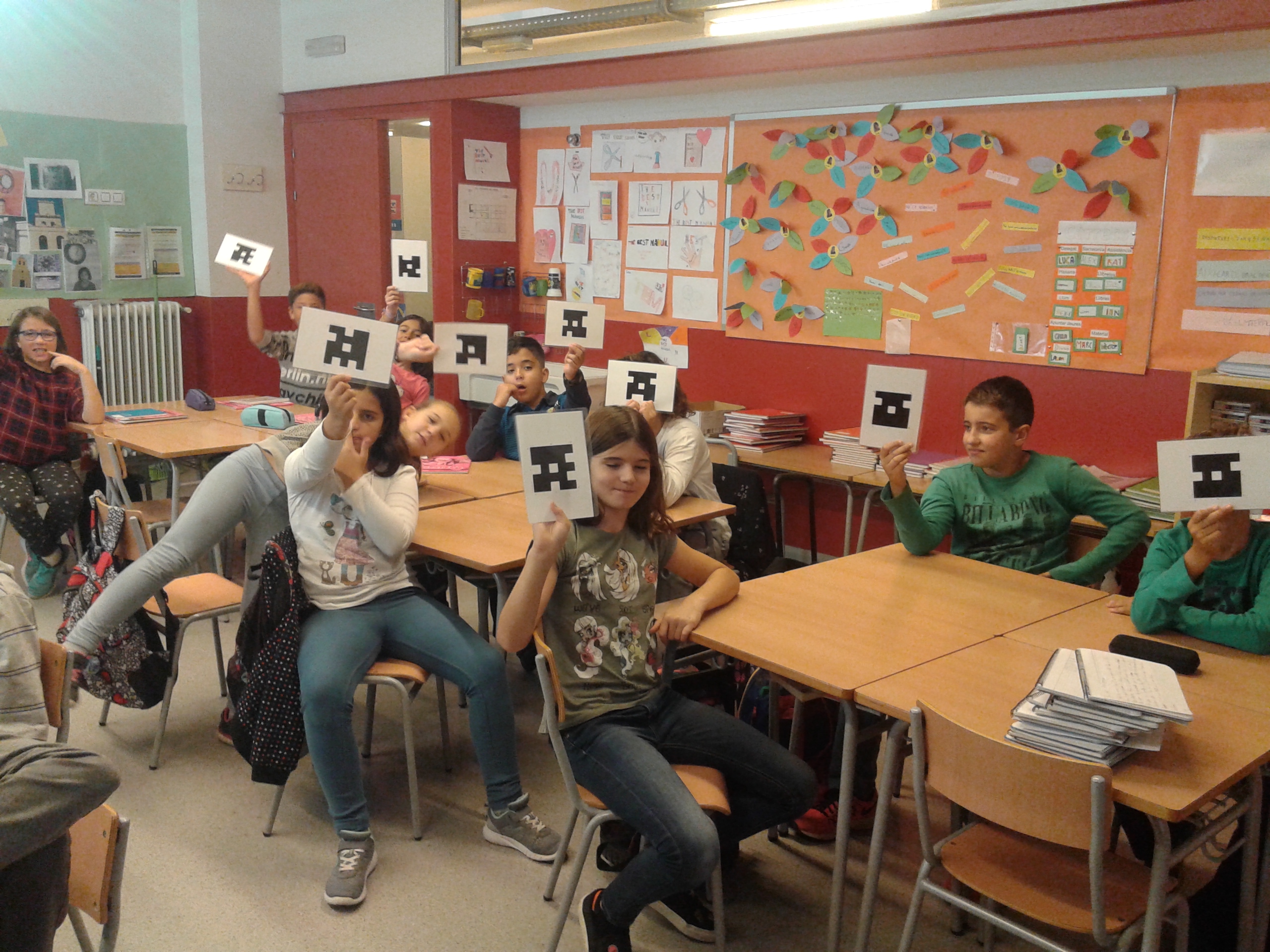
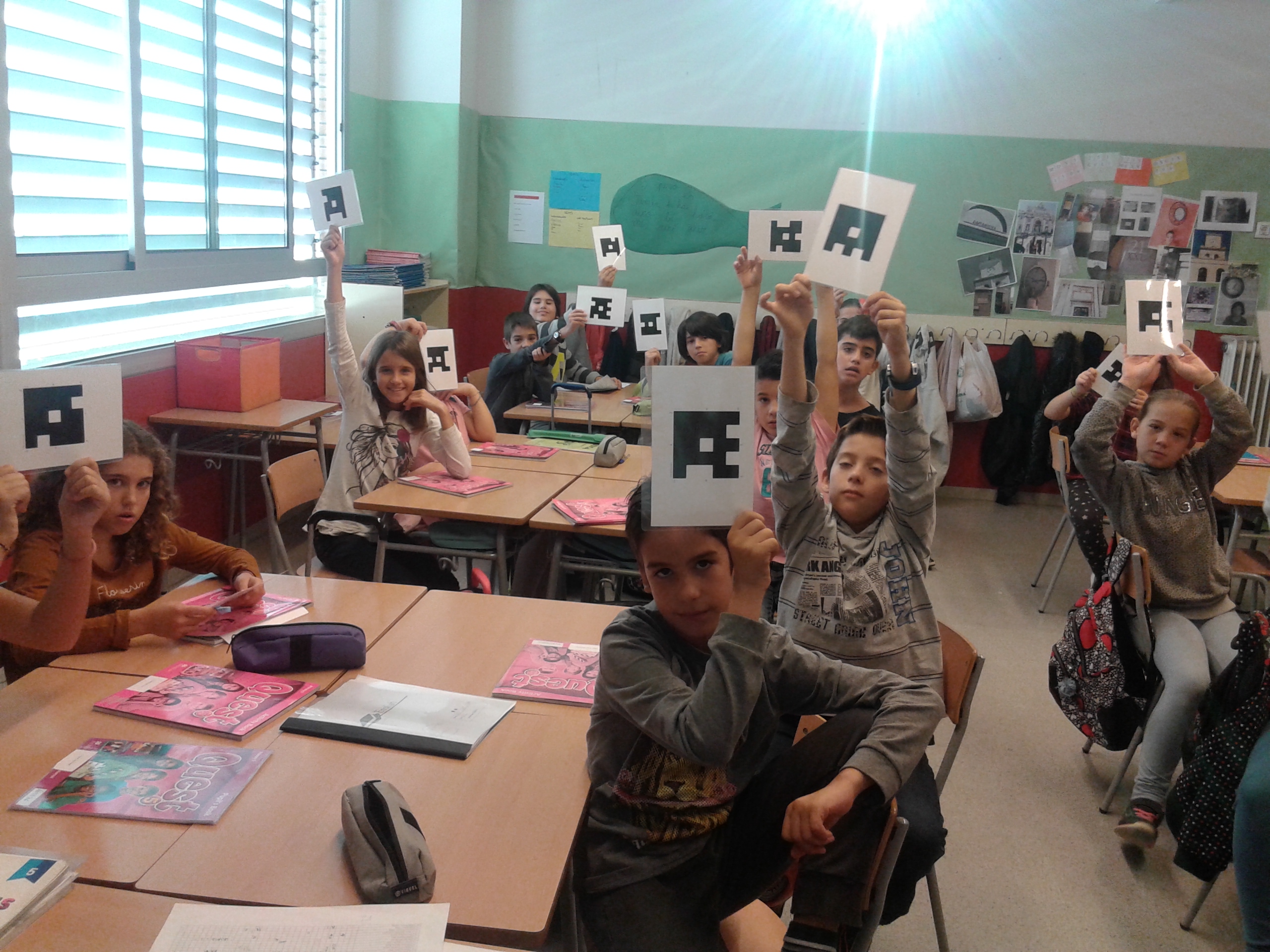
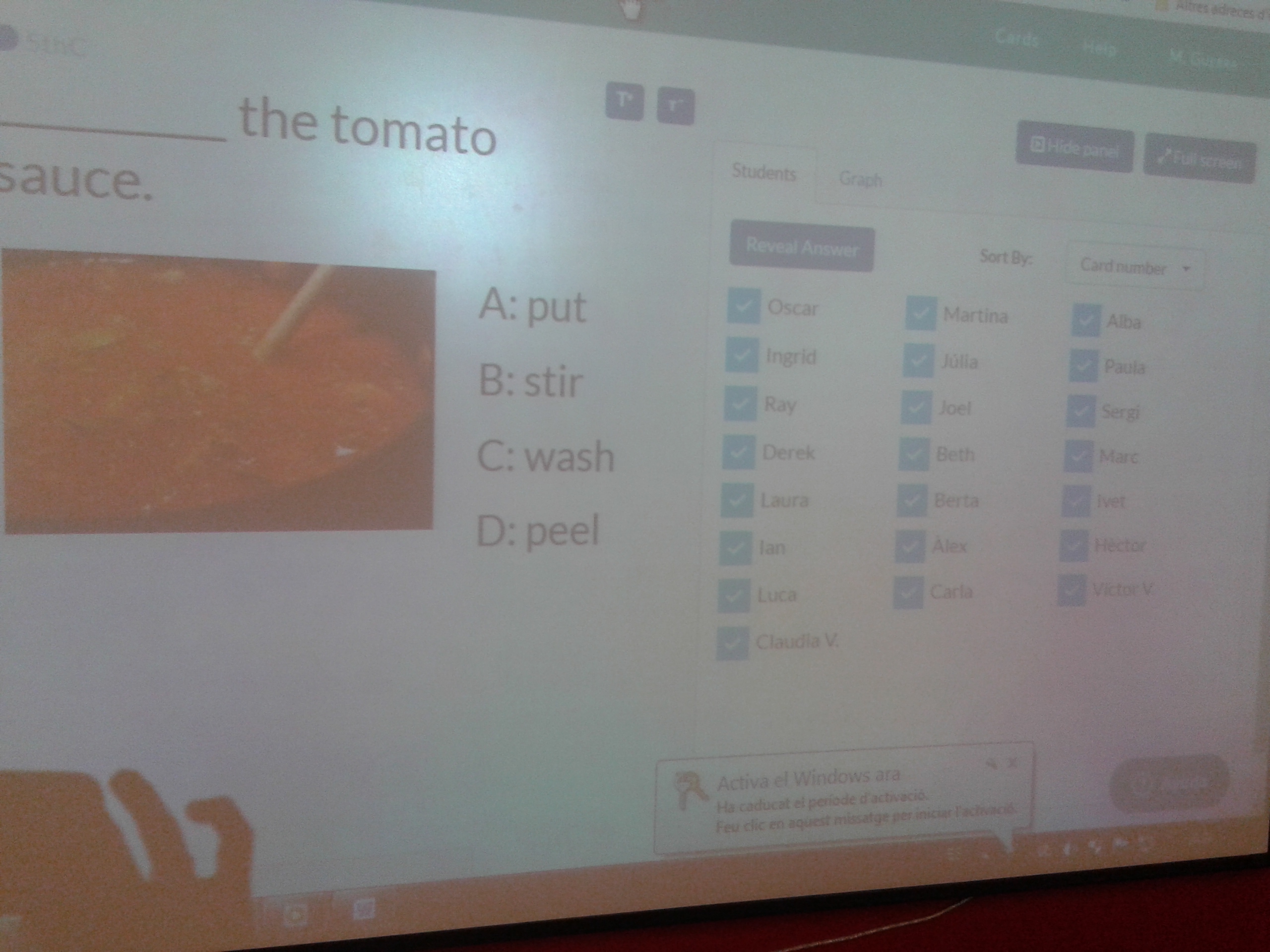
Last morning, Pupils reviewed some vocabulary related to fruits, vegetables and recipes playing with QR codes. They enjoyed a lot!

20161103_103056120161103_103051120161103_1031021